
What you can do with Federated Directory
Once your groups are created and contact data is available, users can leverage powerful features to find and connect with co-workers across organizations.
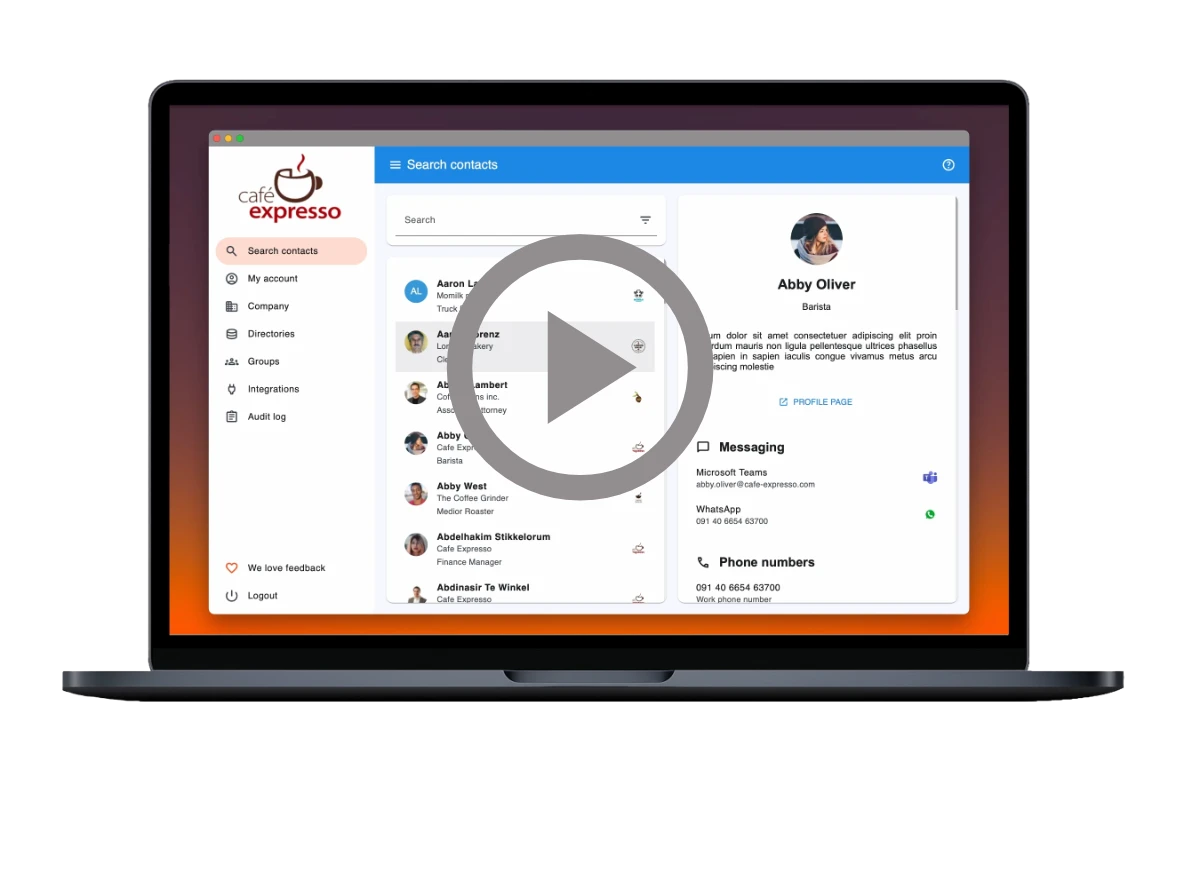
Advanced Filters
Search contact data across all directories with powerful advanced filters. Find exactly the right person quickly and efficiently.
Filter by name, company, title, division, department, manager, and much more. Combine multiple filters to narrow down results and locate specific colleagues across your federated network.
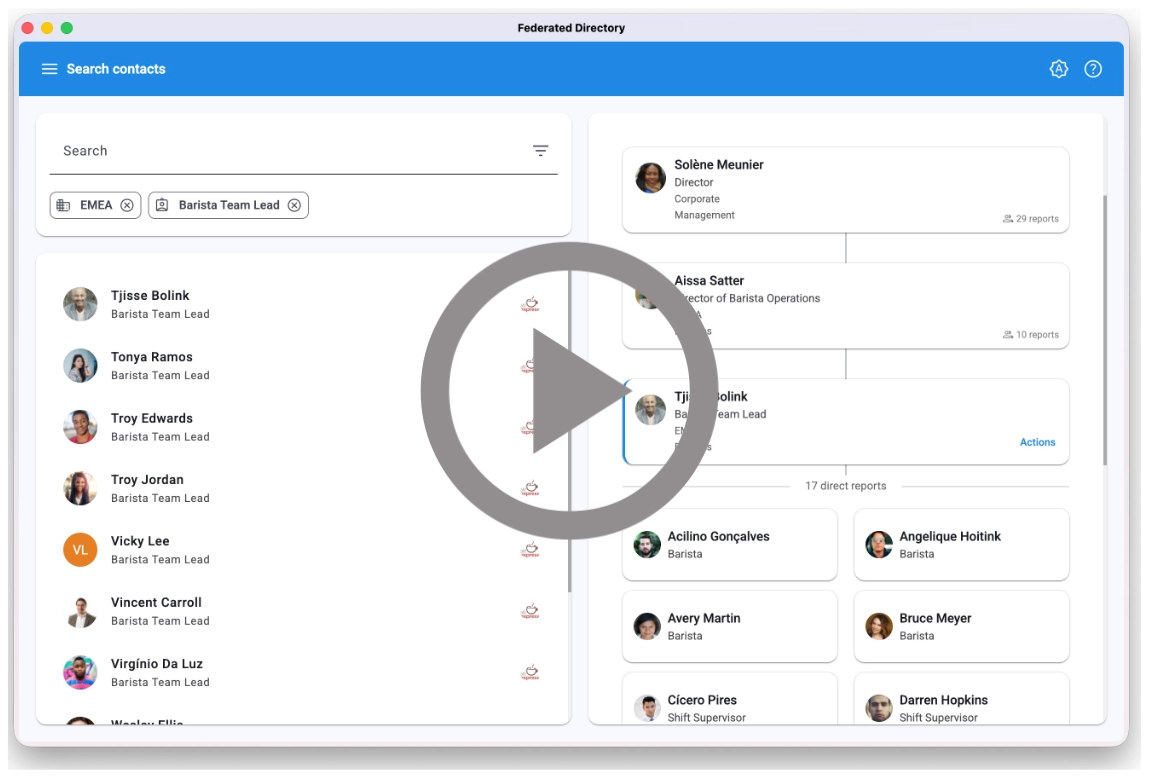
Org Chart
Visualize reporting lines and team structures across all your connected directories.
See who reports to whom at a glance, navigate between managers and direct reports, and understand your organization's hierarchy in one unified view.
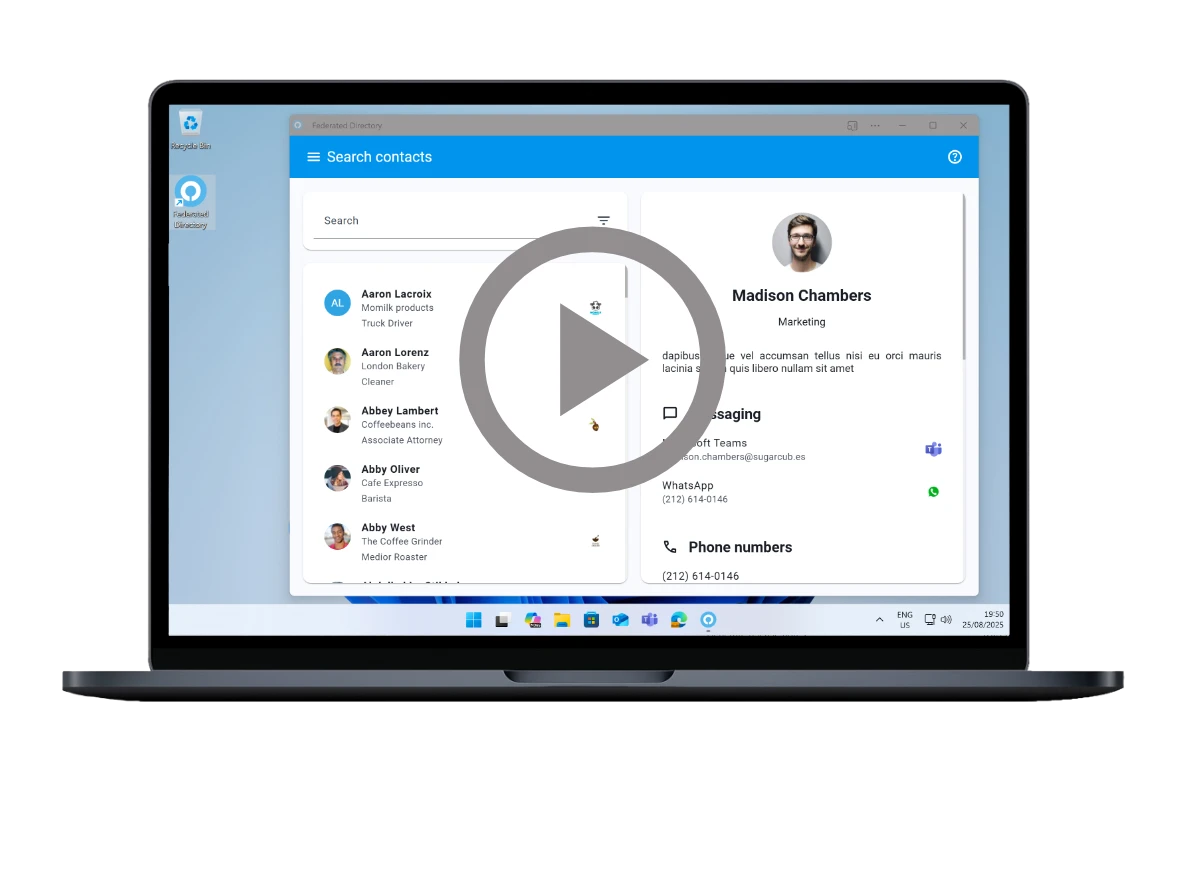
Desktop App
Access your federated directory from any device with a web browser. Our web-based application works seamlessly across all desktop platforms.
Install it as a Progressive Web App (PWA) for a native app experience and desktop integration. No separate downloads or installations required.
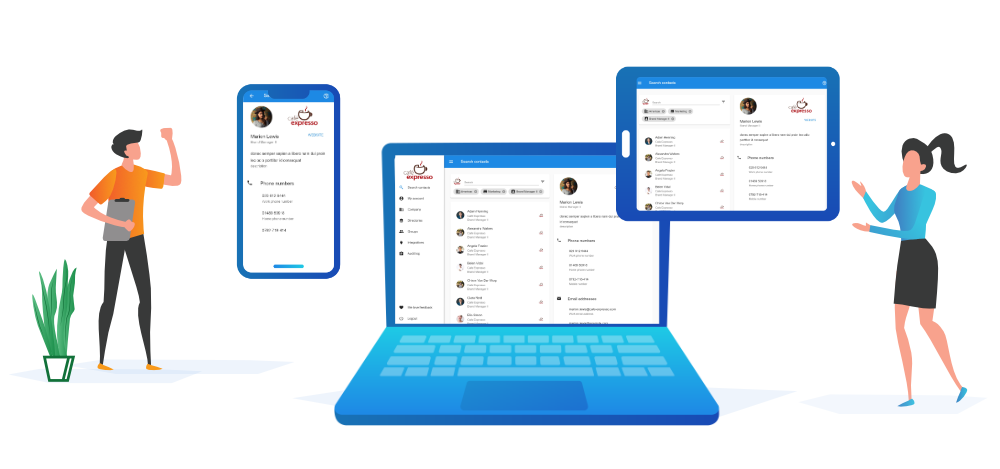
Mobile App
Take your federated directory on the go. Our mobile-optimized interface provides the same powerful functionality as the desktop version.
Install via the PWA option for a native mobile app experience. Search contacts, access detailed information, and connect with colleagues from anywhere, anytime.
Single Sign On
Users automatically log in through our comprehensive SSO solution. No need to remember additional passwords or manage separate credentials.
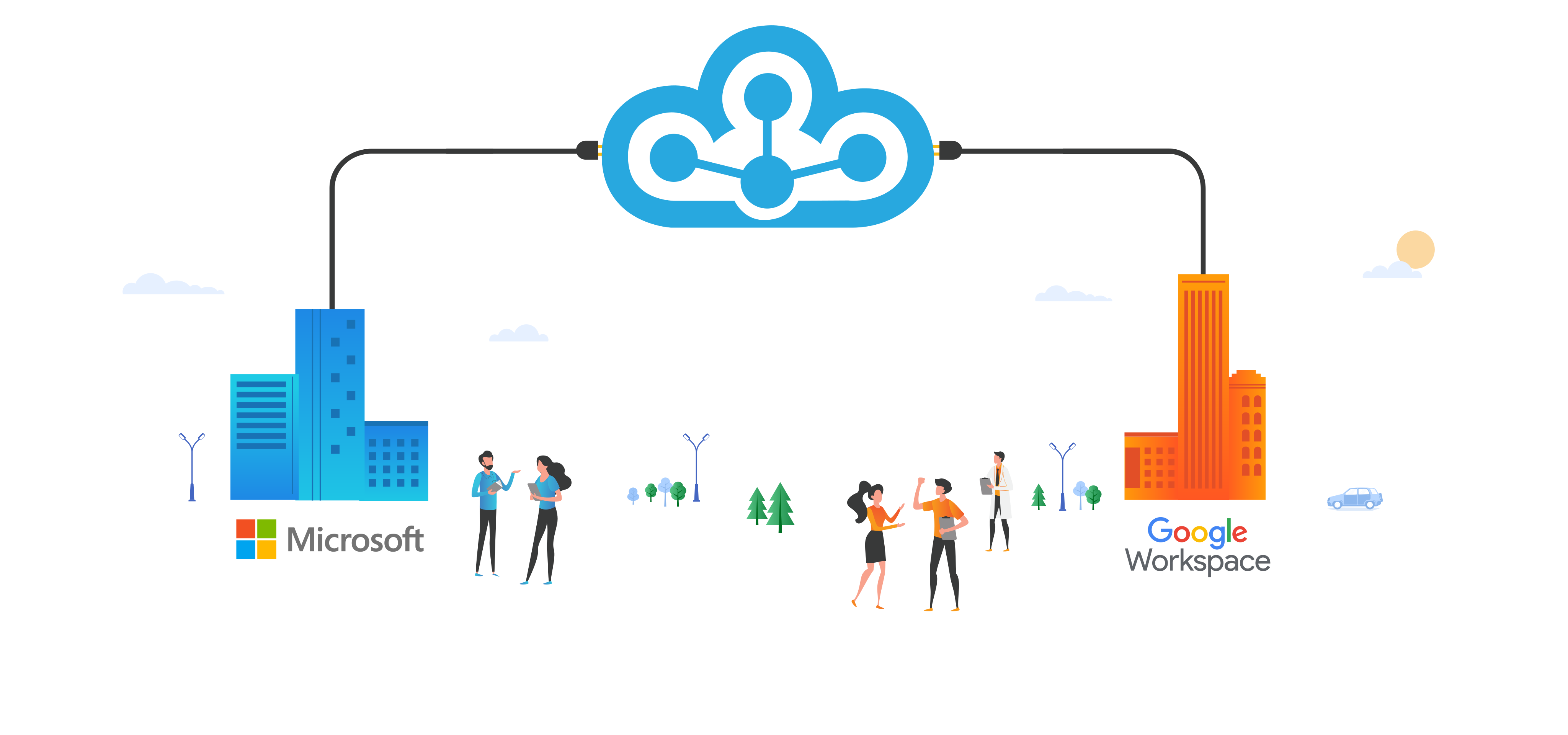
Integrates seamlessly with Microsoft and Google out of the box or connect any other identity provider via the OIDC or SAML protocol.

Microsoft Teams Integration
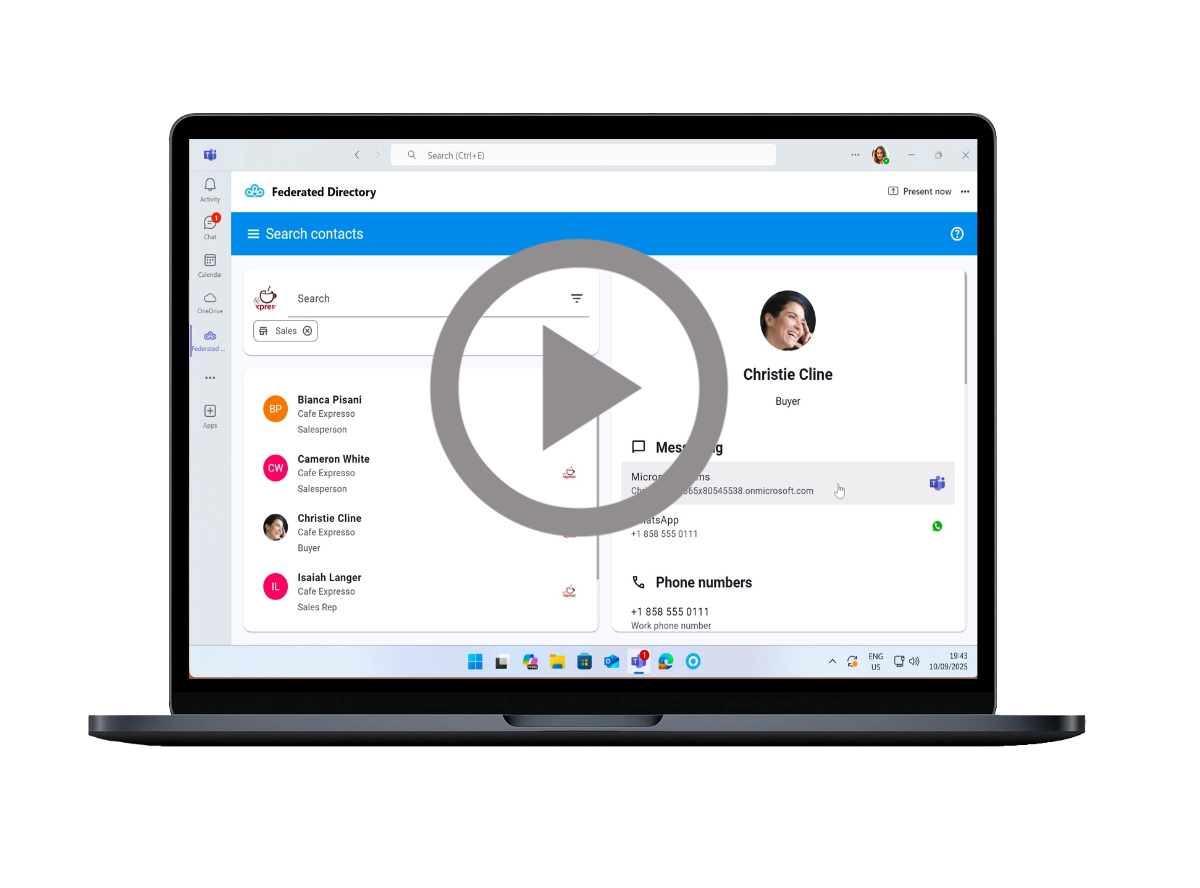
Access Federated Directory directly within Microsoft Teams or any other Microsoft 365 application. Available both in the web-based, desktop and the mobile apps of Microsoft 365.
Enjoy automatic single sign-on, find the right contact with advanced filters, and start a chat instantly. Seamlessly integrated into your existing Teams workflow for maximum productivity.
Outlook Integration
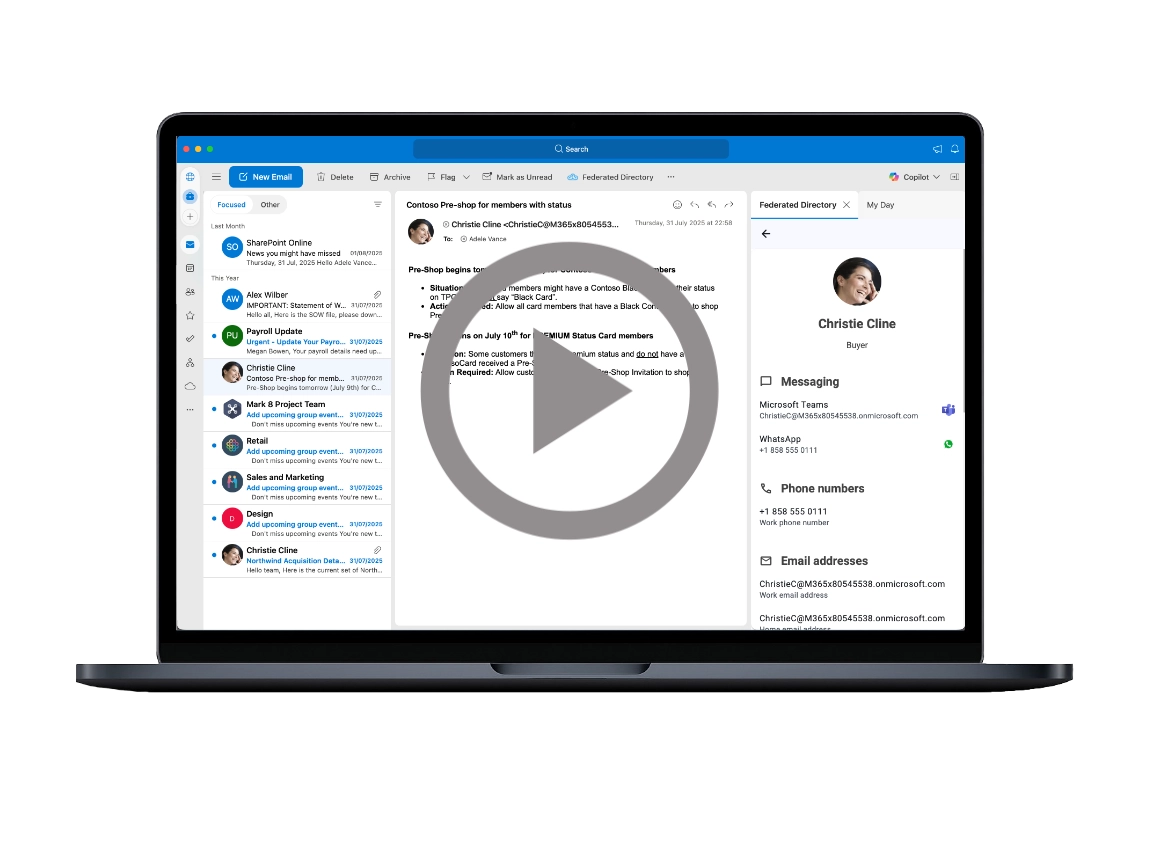
Access your contacts directly within Outlook. Works in web-based Outlook, desktop Outlook app, and mobile Outlook app.
Find the right contacts using advanced filters, then start an email, create calendar invites, or initiate a chat. Streamline your communication workflow without leaving Outlook.
Applications (OAuth 2.0)
Give other tools and services secure, user-consented access to your directory data. Each person signs in and approves access individually — there is no shared secret to distribute, store, or leak.
Access is scoped automatically: a signed-in user only ever sees the contacts and attributes they already have access to, limited to the groups that enabled the application. Revoke access per user, or disable the application for a group — nothing to rotate.
AI Integrations via MCP
Federated Directory can also be accessed by your AI solutions through our MCP endpoint. This gives internal copilots, assistants and agent workflows structured access to trusted directory data.
Connect AI to the same federated contact layer your employees already use, so it can find the right people, enrich workflows and answer directory-related questions more effectively.
Leave room here for an image or short demo movie showing an AI assistant querying Federated Directory and returning the right contact or team.
Tip for the visual: the best option would be a split screenshot or lightweight illustration showing an AI chat interface on one side and Federated Directory results on the other, connected by the MCP flow.
Get started now
Experience all these powerful features for free, with no credit card required and no commitments.
Start exploring what Federated Directory can do for your organization!
