How it works

Setup a Federated Directory in your organization in three steps.
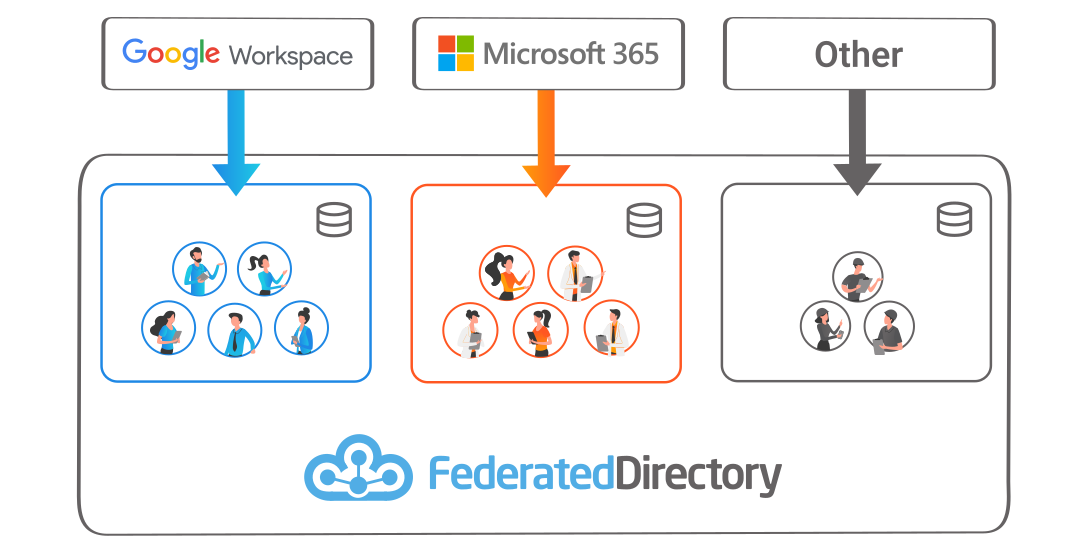
Sync your corporate contact directories

1. Sync your directories

Sync the contacts from your organization's current directories and 'global address lists' to your Federated Directory environment.

To automate this, you can integrate with:

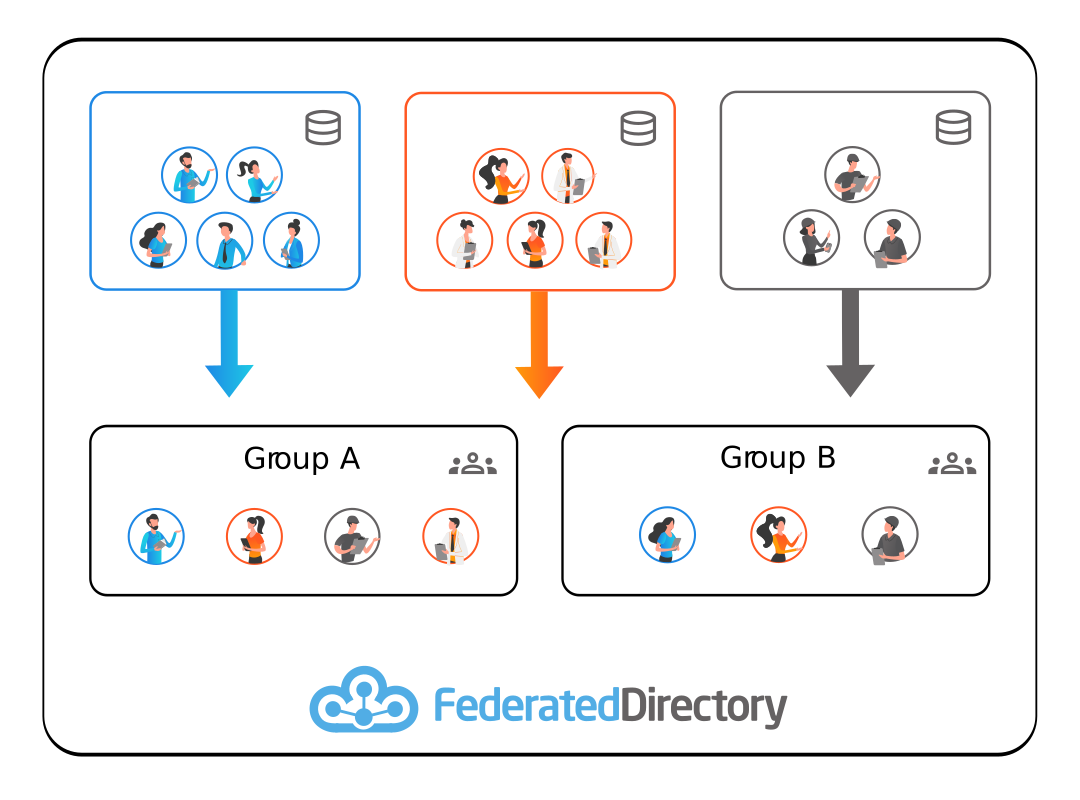
2. Create groups

Within Federated Directory, create groups and fill them with members from the various directories.

A group can even contain members from multiple organizations and Federated Directory subscriptions.

Users in the same group(s) share the contact data with each other.
Create groups
Let your users search

3. Let your users search

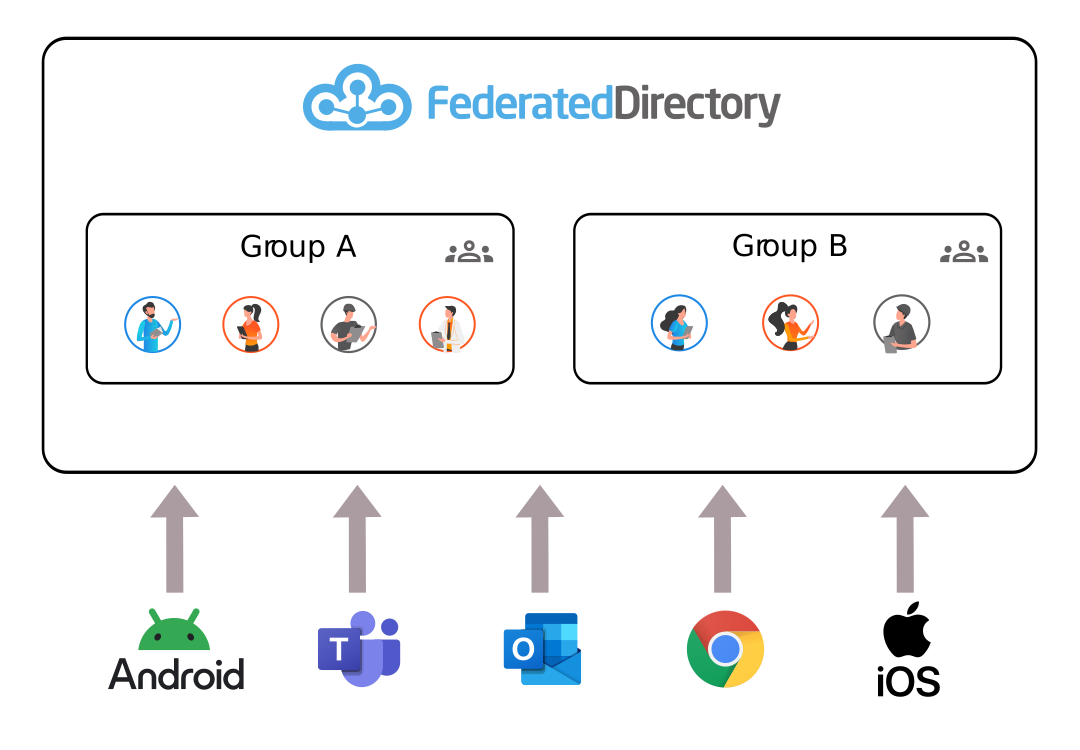
Give your users access to Federated Directory and search for contacts.

The contact data is accessible via multiple ways, including our standalone application, the Microsoft Teams app or our Outlook add-in.

On any device.

Get started now

All the functionalities available for free, no credit card and no commitments.
Start exploring the opportunities for your company!